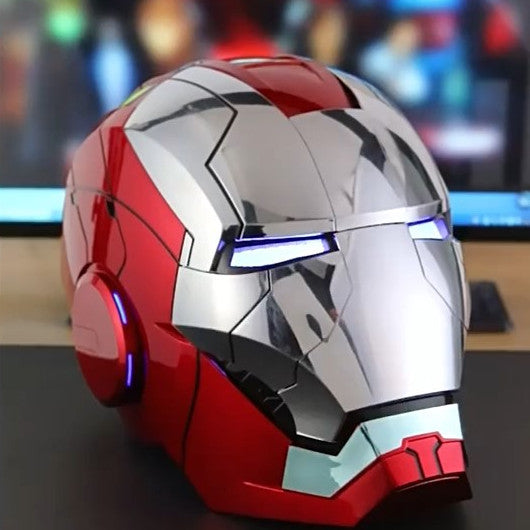

User Guide Of MK17 Heartbreaker Helmet
Table of Contents
1. How to use the helmet
Ensure the device is fully charged or has fresh batteries installed before beginning operation. Follow the specific modes below for control.

2. How to wear the helmet
How to wear/remove the helmet when it is powered on?
Turn on the power, touch the "left touch sensor" for a short time, and the back of the helmet will automatically open or close.
How to wear/remove the helmet when the power is off?
Follow these steps:
- A→B: Pick the back of the head backwards.
- B→C: Pull out both sides of the sheet shell.
- C→D: Wear the helmet.

3. Replace the batteries
- Press the battery cover plate and take out the back cover and battery box.
- Replace the batteries.
- Install the battery box and rear cover in order after replacement.

4. Touch control
Note: Multiple fingers touching the sensing area will improve touch sensitivity.
- Right ear sensing area: Controls the multi-piece opening/closing of the mask.
- Left ear sensing area: Controls the integral opening/closing of the mask.
(Touch the shaded sensing area, as shown in the product guide. The left and right ears are consistent.)

5. Voice control
The "Jarvis/Friday" wake-up system must be activated before a command can be executed. Once the system is awake, you can input voice operation commands successively within 20 seconds.
| Wake Up Command | The Helmet |
|---|---|
| JARVIS/Friday | Sir |
| Operation Command | The Helmet |
|---|---|
| Start system | System start |
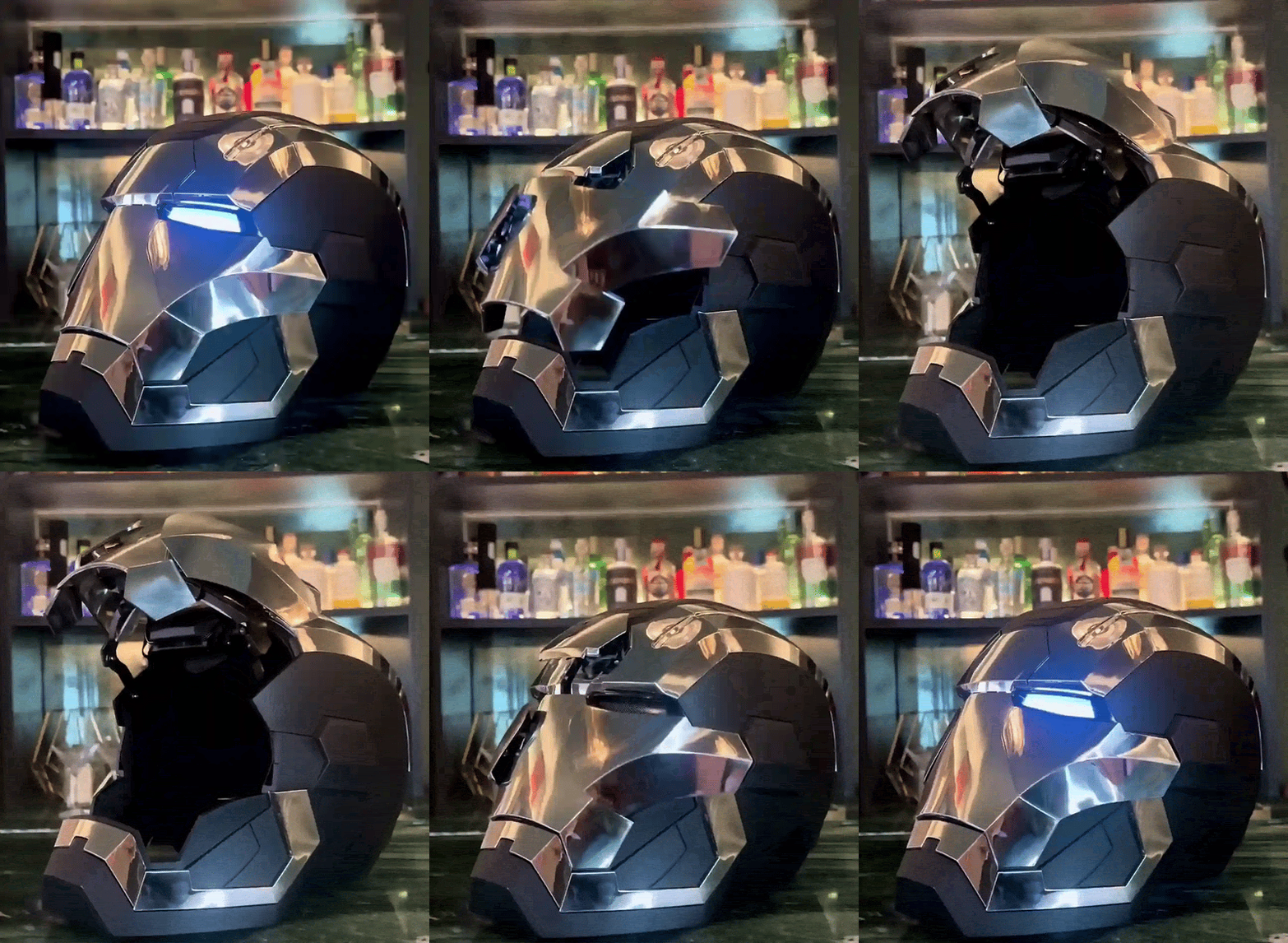
| Open the mask | multiple plates rise |
| Close the mask | multiple plates close |
| Start combat mode | Combat mode activation |
| Close combat mode | Combat mode disable |
| Shutdown system | System shutdown |
| Backup powers on | Lights on both sides |
| Backup powers off | Lights off on both sides |
| Wear a helmet | Rear brain closure |
| Remove the helmet | Rear brain opening |
| Open the suit | The helmet shell components open |
| Close the suit | closed in an orderly manner |
6. Remote control
Turn on the remote power and helmet power. The first operation of the remote control performs automatic random encryption. If the remote control is turned off during operation, you must restart the helmet's power supply when you turn the remote back on.
| Button | Function |
|---|---|
| Button A | Control mask multi-piece on/off. |
| Button B | Control the opening/closing of helmet housing components. |
| Button C | Eye lights switch colors. |
| Button D | Eye lights on/off. |
| Button E | No function. |
| Side Button | Power Switch. |
7. Failure analysis
- Pairing Failure: The matching password failed. Replace the battery of the remote controller and try to match the password again.
- Low Power: If eye lights continue to flicker slowly, movement is tardy, or sound effects are blurred, it means the helmet lacks power. Please replace the batteries.
- General Error: If operation failure or abnormal conditions occur, reboot the system.